

Your safety is our priority
At VrapOn, every ride is designed with your safety in mind. Whether you’re travelling alone, arriving late at night, or exploring Albania for the first time, our built-in safety features help you stay connected and protected throughout your journey.
1. Add Trusted Contacts – Choose the people you’d like us to notify in case of an emergency.
2. Let Others Track Your Ride – Share your live trip with family or friends so they know where you are until you arrive safely.
3. SOS Call – Quickly access emergency assistance with a dedicated SOS button when you need it most.
1. Add Trusted Contacts
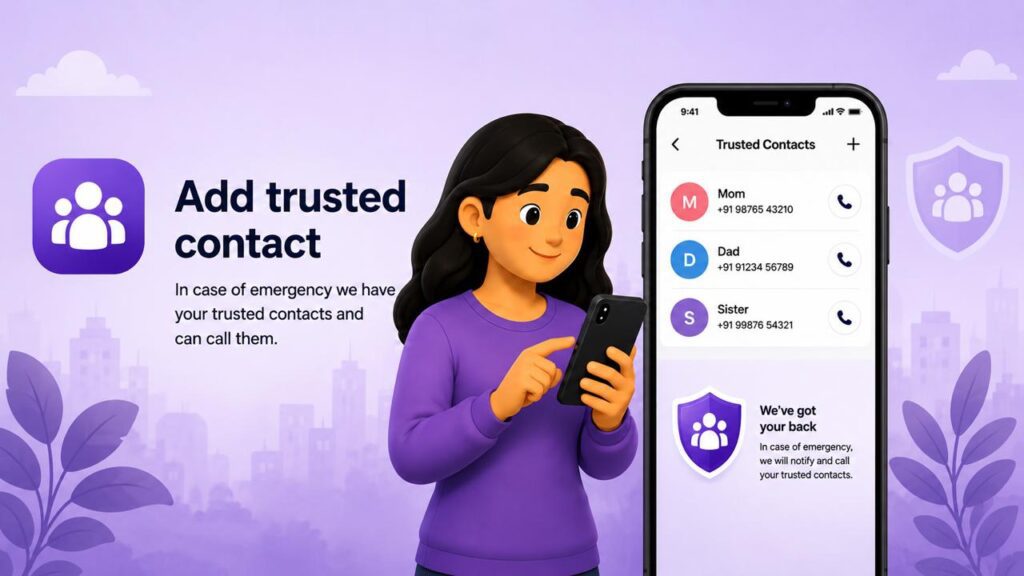
“Share My Ride” works better when your trusted contacts are already listed in the “Share My Ride” list. That way you’ll never get confused with a phone number in the middle of a ride. Follow the steps below to add New Contacts or contacts from your Contact list
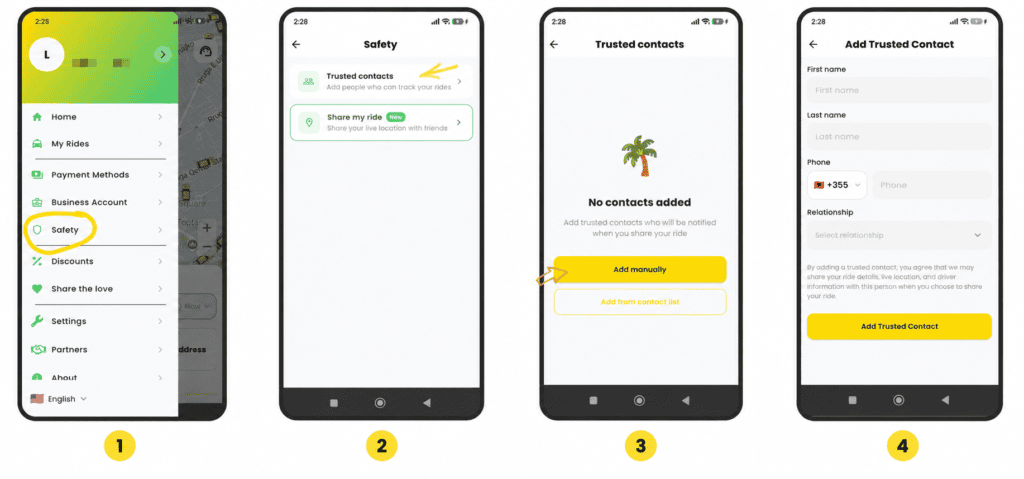
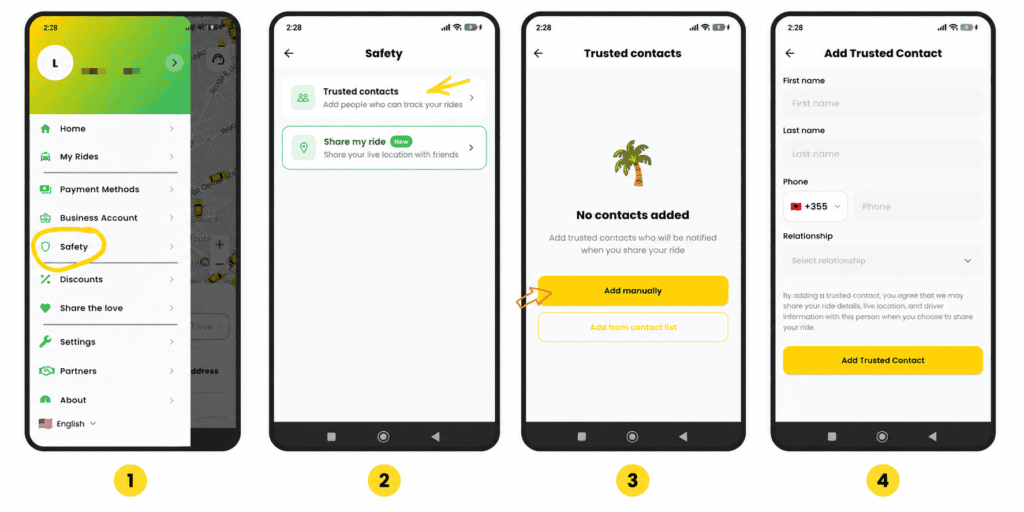
Normal travel habits apply:
1. Tap Safety feature from your profile
2. Tap Trusted Contacts
3. Add someone manually or directly from your contact list
4. Save their name, number, and type of connection they have with you
From there, they are just a button press away from your next trip.
2. Let your loved ones track your journey
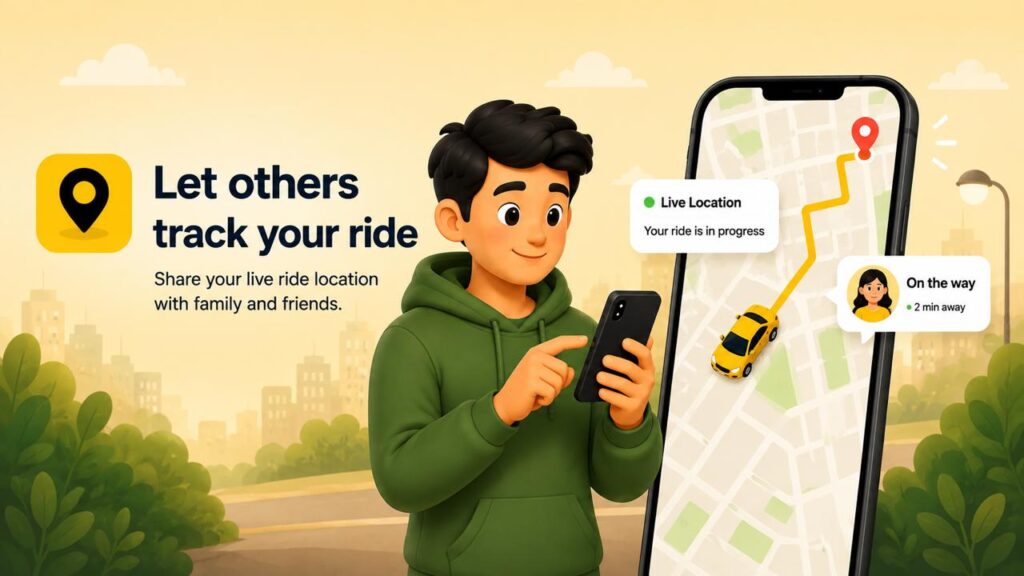
Let your friends and family easily see your trip status and location, or let those waiting for you know when to pick you up.
It’s designed specifically for those moments when you get a call after you’ve finished late, when you’re in an unfamiliar area, or when a friend says, “let me know when you’re headed this way.” With a tap of your finger, someone you trust can follow your journey until you’re safely at your destination.
How does it work?
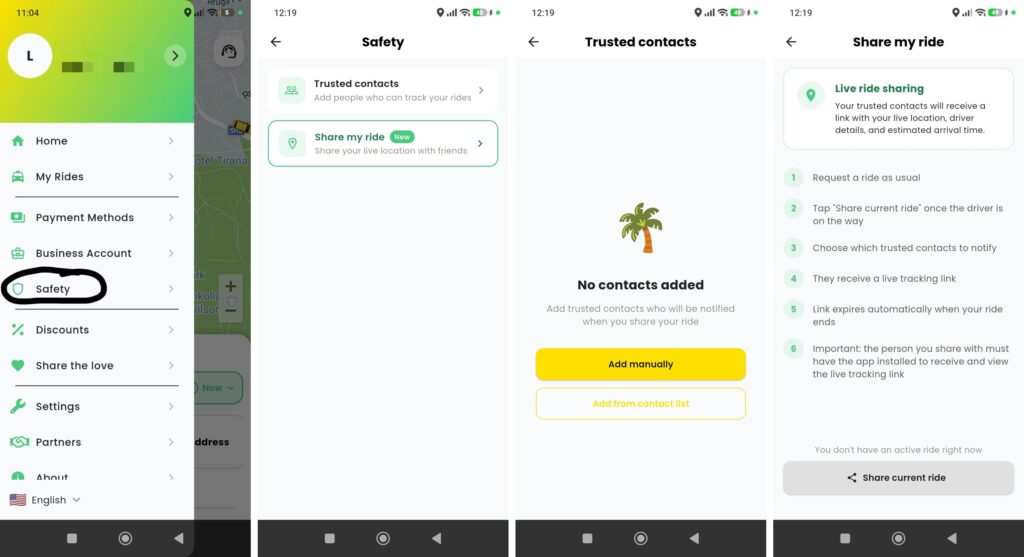
During your trip, tap the “Safety” button, then select “Share my ride.”
Your selected contact will receive:
1. A link to track your location in real time
2. Details of your driver and vehicle
3. Taxi pick-up and drop-off location
The link remains active only for the duration of your trip and is automatically closed upon arrival. After your trip is over, nothing remains on your phone.
3. SOS Call
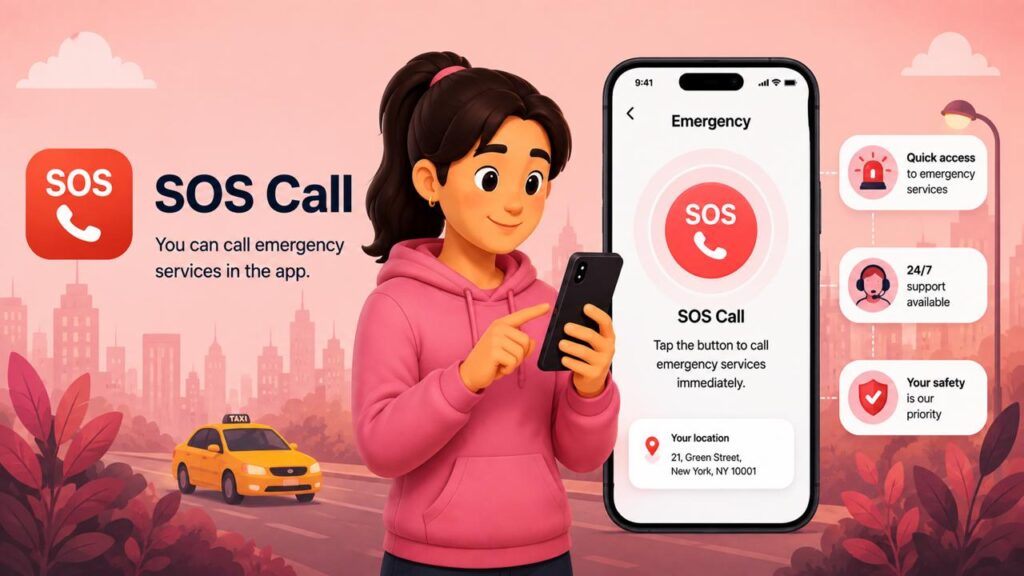
Get instant access to emergency assistance with VrapOn’s SOS Call feature. If you ever feel unsafe or need urgent help during your trip, tap the SOS button to quickly contact emergency services directly from the app.
How to Use SOS Call
Get instant access to emergency assistance with VrapOn’s SOS Call feature. If you ever feel unsafe or need urgent help during your trip, simply tap the SOS button to quickly contact emergency services directly from the app.
How to Use SOS Call
1. Open your active trip in the VrapOn app.
2. Tap the “SOS Call” button on the safety screen.
3. Confirm the emergency call when prompted.
4. The app immediately connects you to local emergency services.
5. Follow the operator’s instructions and, if it’s safe to do so, remain where you are until help arrives.
Download VrapOn Now- Taxi App


Do you want to book a taxi on WhatsApp or your phone?